CHANNELS

infoTECH Feature
A Look at Google Chrome 10
 By
By After looking at the new versions of Internet Explorer and Firefox recently, I thought it only fair to cover a bit about Chrome, especially since Google (News  - Alert) unveiled the latest version of its browser last month.
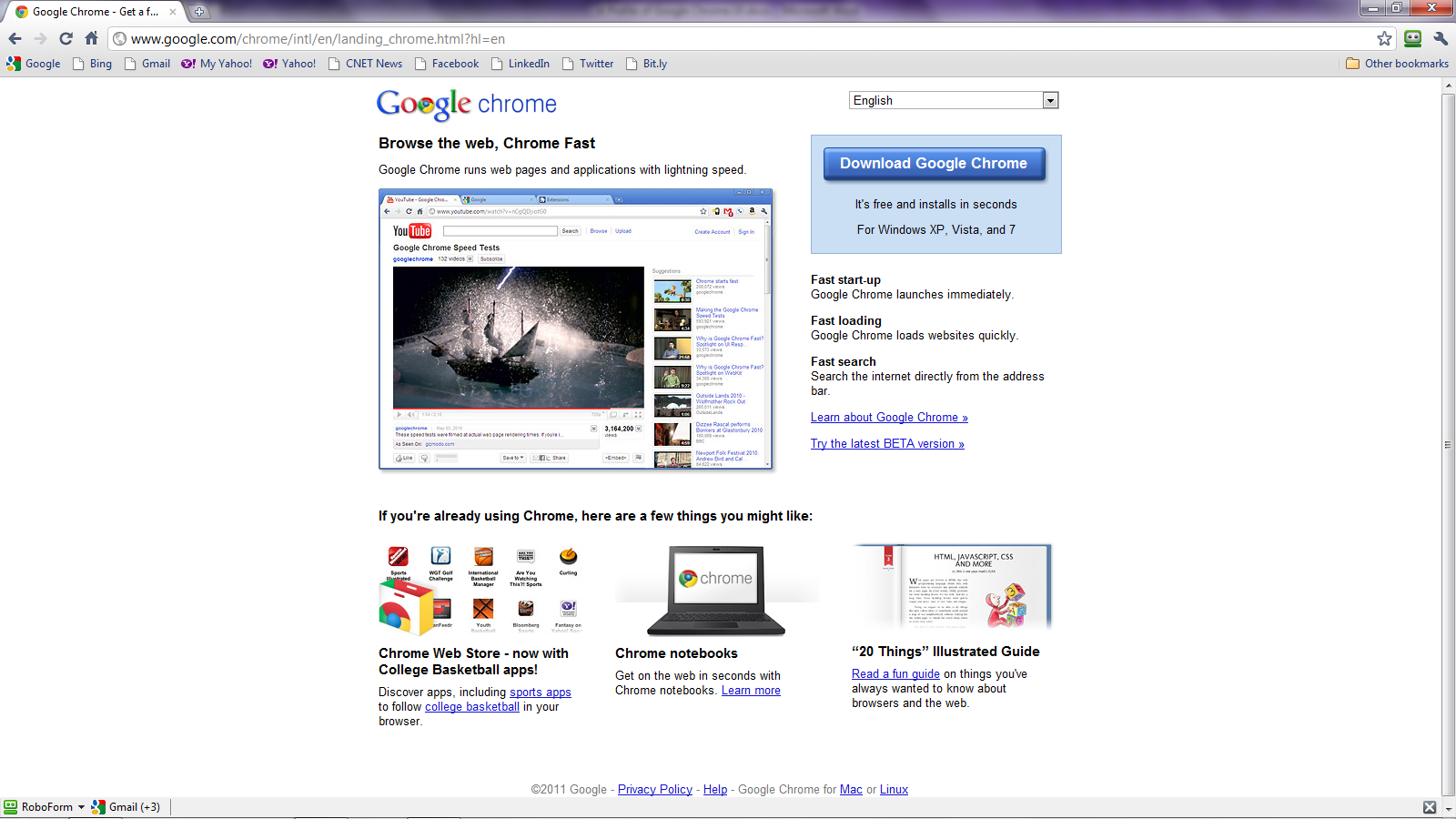
Chrome paved the wave for a more streamlined look and feel, a concept that other browsers have since been adopting. By reducing the number of toolbars and the space they take up, Chrome leaves more screen real estate for the actual Web page.
By default, Chrome 10 displays just two rows—one displaying the tabs for each page and another displaying the navigation/address bar. You can also opt to see your bookmarks bar with quick access to your favorite sites and a menu of all your bookmarks. But even this doesn’t take up much room, giving the browser a very clean, no-frills appearance at the top.
 Chrome 10 offers a new feature designed for those of us who run the browser on more than one computer. The sync feature lets you store your bookmarks, passwords, extensions, preferences, and other items online through your Google account. Those items are then synchronized across your different PCs. You can choose which items to sync and even encrypt your various passwords with a passphrase to provide added security.
Google has also done a nice job with the Options page where you can view and tweak various settings. The options now open in a tabbed page for easy access. I also appreciate the way Google organizes the various options into just three sections, each with a minimal number of settings. It’s a nice contrast from the huge number of options and configuration settings that you find in Internet Explorer and even Firefox. In fact, just about any feature you access in Google opens in its own convenient tabbed page.
Speaking of other browsers, you can easily and quickly import your bookmarks, passwords, and other items from IE or Firefox, a nice option for those of us who may not use Chrome as our primary browser.
The new version of Chrome is also supposed to be speedier than previous versions. Google claims that the new browser can run Web apps quicker thanks to a 66 percent improvement in its JavaScript performance, at least as measured by the company’s own V8 benchmark suite. Beyond that, Chrome 10 also uses hardware acceleration, which can tap into the power of different graphics card to boost the performance of certain sites.
Finally, Chrome has a smooth way of handling plug-ins. It automatically includes Adobe’s Flash plug-in but runs it in a sandbox for better security and stability. To further protect you, Chrome also will disable certain older and potentially risky plug-ins until you have a chance to upgrade to the latest versions.
Overall, Chrome is quick, clean and smooth. And those of you considering deploying Chrome 10 at your company can take advantage of Google’s Chrome for Business version, which offers an MSI (News - Alert) file and Group Policy templates to help you configure and customize the same installation package for all your users.
Lance Whitney is a journalist, IT consultant, and Web Developer with almost 20 years of experience in the IT world. To read more of Lance's articles, please visit his columnist page
Edited by Janice McDuffee
|
|
FOLLOW US |  |
 |
 |
infoTECH Headlines
Exchange Server Recovery: Best Practices for Production Environment
Beyond the headlines: translating the Mythos risk for business leaders
cdmon Supports Online Businesses with Hosting, Domains and Digital Infrastructure Services
Why Hiring a Commercial Electrician in Keller Matters for Business Safety, Efficiency, and Growth
Are You Giving Your Agentic AI Too Much Access? Is it Impacting Compliance?
The Future of AI: Autonomous Training Models That Learn Continuously
How to Migrate from One Microsoft 365 Account to Another?
Simulating Your Worst-Case Scenario and Keeping Tabs on New Threats Using AI Systems
From Reactive to Proactive: Using AI to Hunt BEC in Real Time
Strengthening Tampa Businesses with Expert Cybersecurity Solutions
infoTECH Whitepapers